


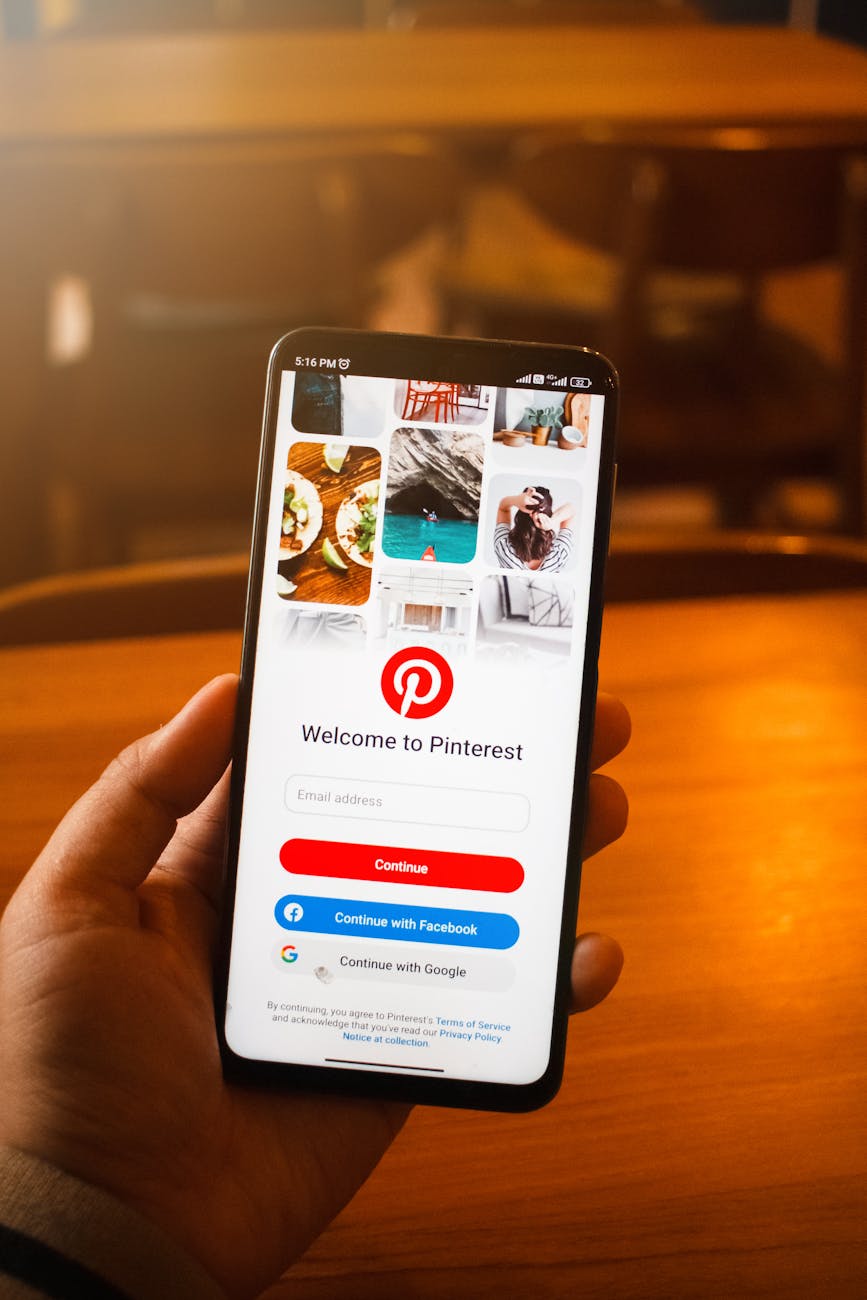
When I first started blogging, I didn’t fully understand Pinterest. I thought it was just a place for recipes, DIY crafts, and pretty home décor ideas. What I didn’t realize at the time was that Pinterest is actually one of the most powerful tools bloggers can use to grow consistent traffic, especially when you don’t have a big audience yet.
If you’ve been trying to figure out how to get more eyes on your content in 2025, Pinterest might just be the missing piece you’ve been overlooking.
Why Pinterest Still Works in 2025
Despite all the new platforms popping up, Pinterest remains one of the top sources of traffic for bloggers across every niche. What makes it unique is that Pinterest isn’t really a social media site, it’s a search engine. People use it to find ideas, solutions, and inspiration. That means when you post something helpful, Pinterest can show it to people who are already looking for exactly what you offer.
Unlike Instagram or TikTok, where content disappears quickly, Pinterest pins can keep sending traffic to your blog for months or even years. It’s one of the few platforms where your content keeps working for you long after you post it.
Understanding How Pinterest Works
Pinterest uses visuals (called pins) that link back to your blog. Each pin acts like a digital flyer or mini advertisement for your post. When someone clicks your pin, they go straight to your website.
The key is to create pins that catch attention and provide value. People are scrolling for ideas, so your job is to stop that scroll and make them say, “Oh, I need to read that!”
Good pin design and strong keywords will help you show up in Pinterest’s search results. Just like SEO for Google, Pinterest uses keywords to understand what your content is about, so it can recommend your pins to the right people.
Setting Up for Success
If you haven’t already, start by converting your Pinterest account into a Pinterest Business account. This gives you access to analytics so you can see which pins are performing best. It also unlocks tools like Rich Pins, which automatically pull information from your blog posts, making your pins look more professional.
Next, optimize your Pinterest profile.
- Write a clear bio with relevant keywords describing your niche.
- Create organized boards with names that match your blog topics.
- Pin consistently – not just your content, but others’ too.
Pinterest rewards active users, so consistency really matters.
Creating Pins That Stand Out
You don’t have to be a graphic designer to make beautiful pins. Tools like Canva make it simple with free templates you can customize. Focus on creating clean, readable designs with clear titles and vibrant images.
Here are a few tips for pin design:
- Use large, easy-to-read text.
- Stick to warm, eye-catching colors.
- Add your website name or logo for branding.
- Make sure your pin clearly tells the reader what they’ll gain from clicking it.
For example:
Instead of “My Blogging Journey,” try “How I Grew My Blog to 10,000 Views a Month — Step by Step.”
People click on pins that promise value.
Pinterest SEO: The Secret Ingredient
To make your pins discoverable, use Pinterest SEO. This means adding keywords in a few important places:
- Your pin title
- Pin description
- Board name and description
- Your profile bio
If you’re writing a post on “Healthy Breakfast Ideas,” include those exact words, along with related ones like “easy breakfast recipes” or “morning meal ideas.” Pinterest will then understand your pin’s topic and show it to users searching for those phrases.
Consistency and Fresh Pins
Pinterest values “fresh content.” That doesn’t mean you have to write a new blog post every day, you can create multiple pins for the same post. Each one can have a slightly different design, title, or image. This gives your existing posts new life and helps them reach different audiences.
You can use scheduling tools like Tailwind or Pinterest’s built-in scheduler to post regularly without spending all day pinning.
The Long Game: Patience and Persistence
Pinterest traffic usually takes a few months to build, so don’t get discouraged if you don’t see instant results. Keep creating, keep pinning, and keep learning. Over time, your efforts will compound, and you’ll start seeing steady traffic flowing to your site every day.
Pinterest has the power to turn your blog into a thriving source of traffic, even if your site is brand new. Once you understand how to use it strategically, it can truly explode your reach in 2025.



Leave a Reply